|
|||||||||||||||||||||||||||||||||||||
|
Pentium 4 PC |
|||||||||||||||||||||||||||||||||||||
|
|
|||||||||||||||||||||||||||||||||||||
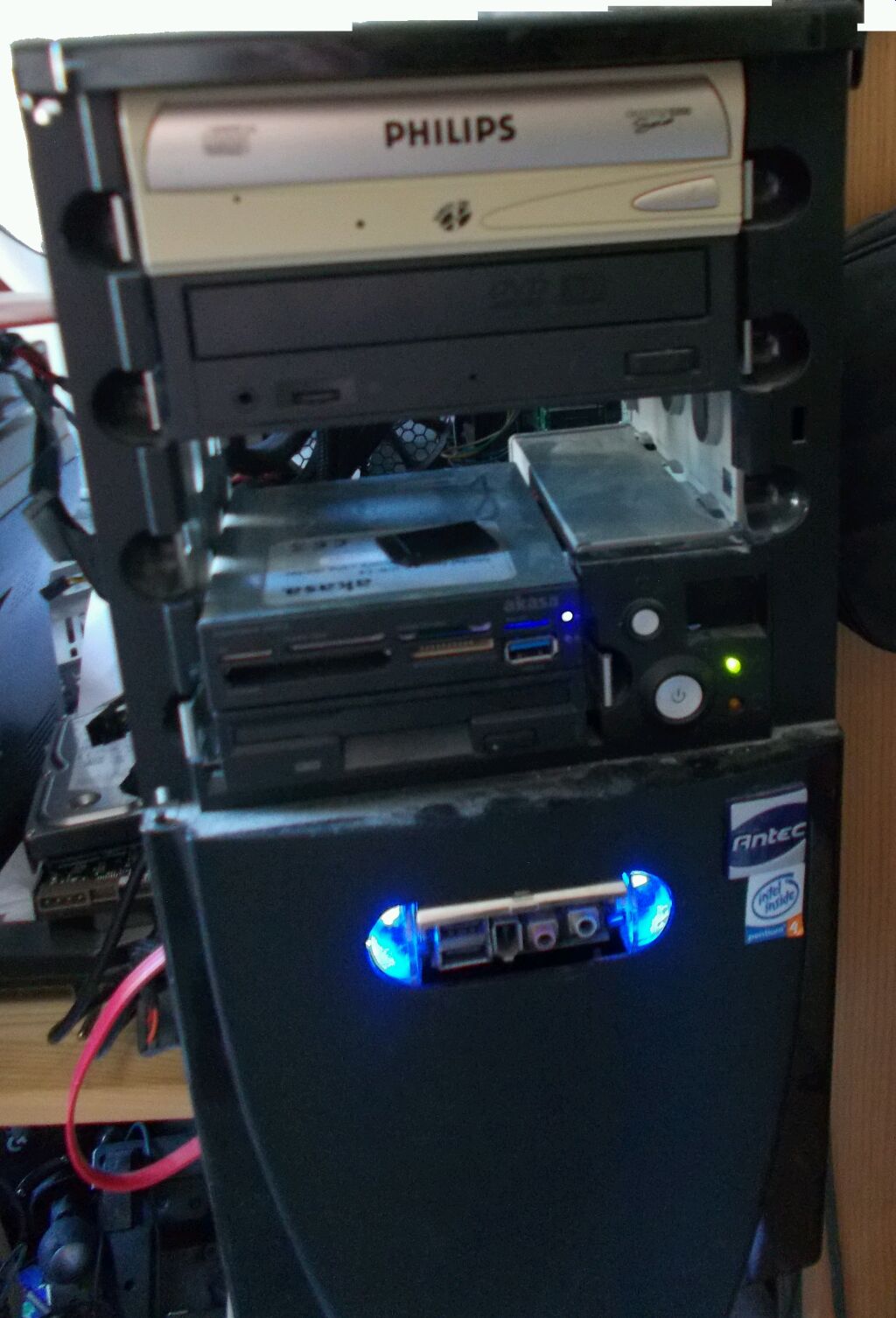
This machine is important me, because it was machine which I began learning use of computer properly and without it I would possibly would have never become professional. Machine was originally from my father and when I got it, it had 80 and 160gb hard drives, 1gb ram and intergrated soundcard. Originally it had ATI Radeon 9800 pro 128mb which later was switched to Gainward Geforce 6800GT. Gainward card is nice since it got copper heatsink and it is factory overclocked to match 6800 ultra. For start I just played and browsed web on the machine, then I began having interest in virtualisation. I began with virtualisation with Microsft Virtual PC 2007 and later moved into VMware Player. After long period I got myself new computer and this was left unused. One point I though machine being gone then one day dad asked do I want anything from it or is to useless. I was surprised that machine still existed. First I made full clean for the machine. Over the years I got many parts which I did not have back in day and I ended up with pretty powerful setup. However I wanted keep otherboard, GPU and case (Antec Sonata) as original.
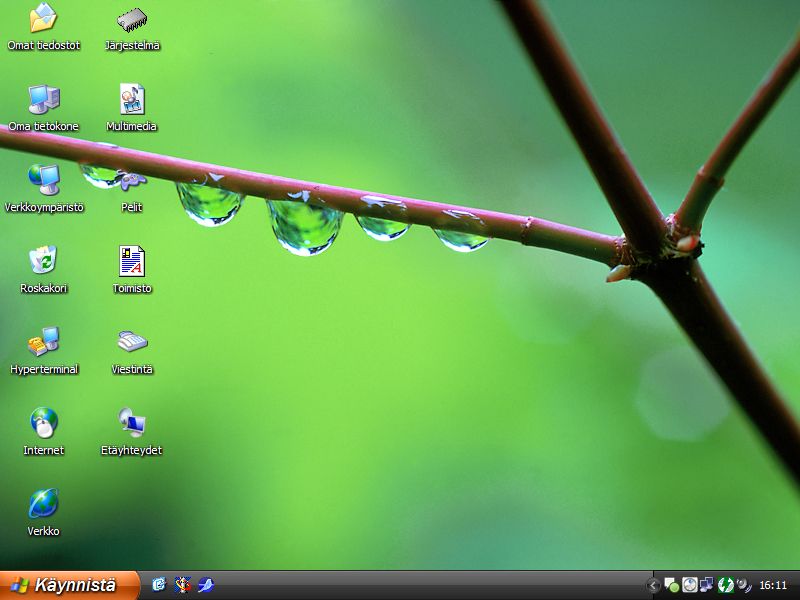
Machine is running Windows XP Professional 32bit. Despite what people
say it is still very usable. You need keep in mind that many who still
run this stuff in 2025 are professionals and not total idiots with computers
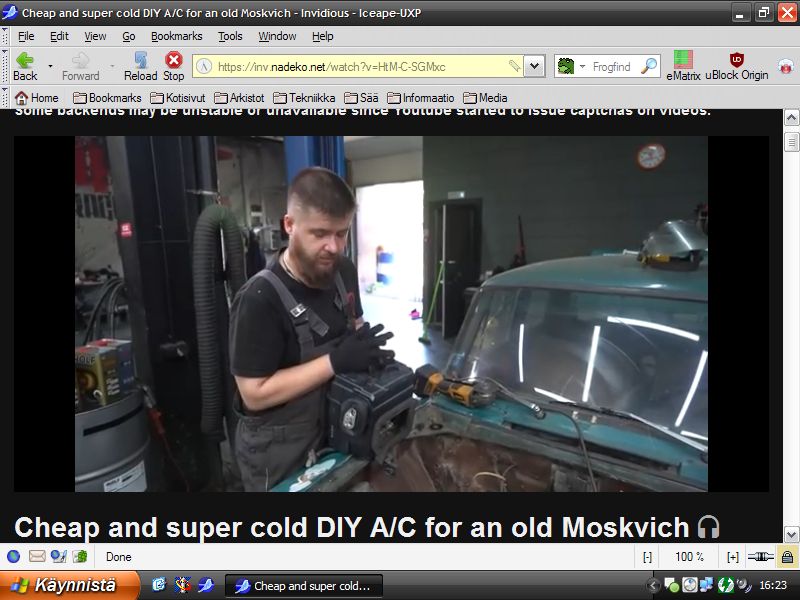
and know how to be careful. Like picture shows I run Windows XP 800x600
resolution because my CRT cannot do 100hz refresh rate and 85hz flicker
causes eye strain. With LCD I am fine even with 60hz
I also recommend to install eMatrix addon (https://addons.palemoon.org/addon/ematrix/) and learn to use it. It allows block images, Media, CSS, XHR, Javascript and others per domain basic. Javascript and CSS overuse on modern sites strain and Javascript specially Webassembly is security hazard. With this tool you can allow Javascript where it is actually needed.
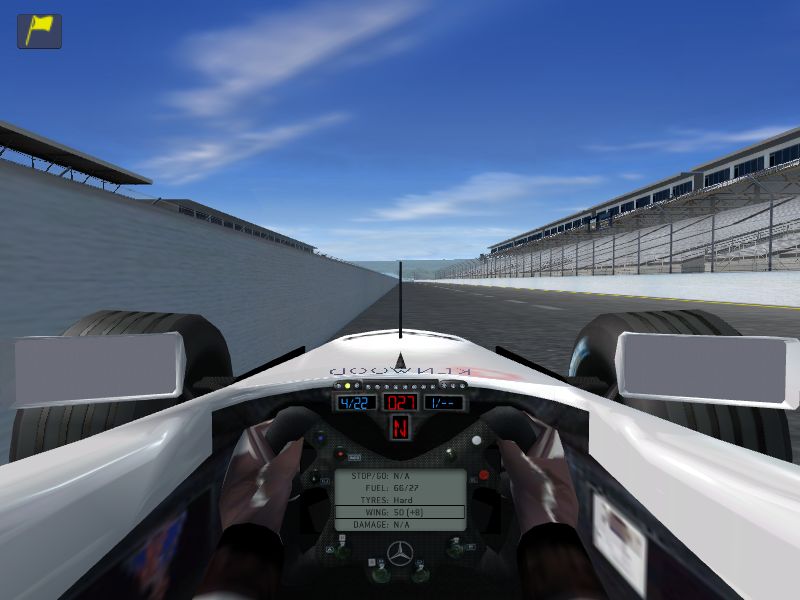
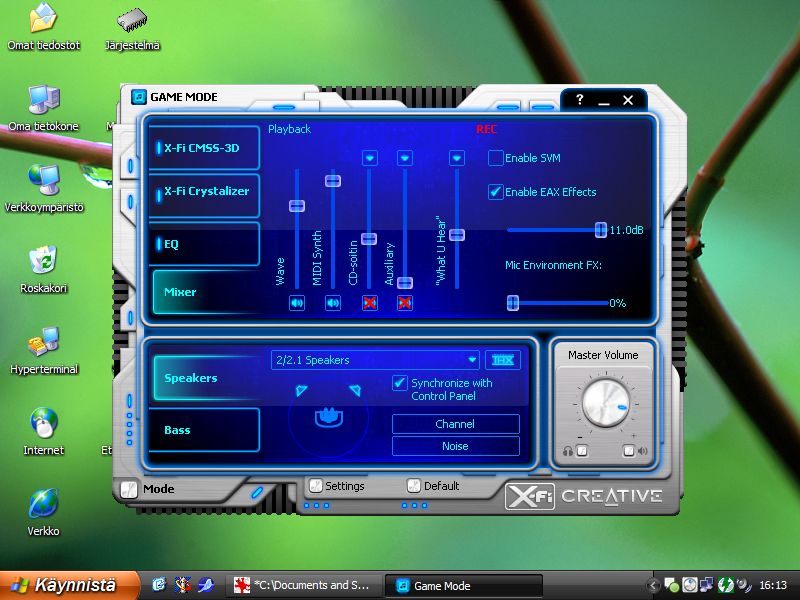
Windows XP got all kind of fun stuff. X-Fi sound card was top of the
line back in day and some game got support for it extensions. Also game
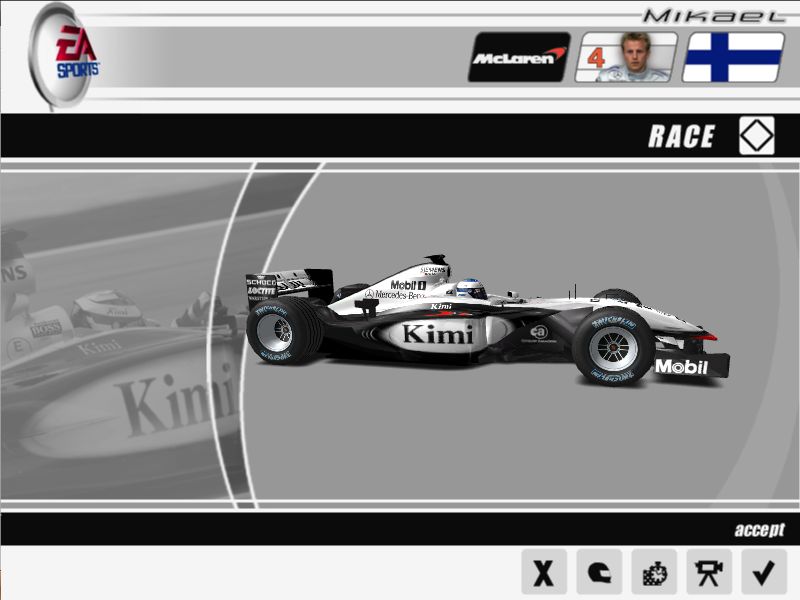
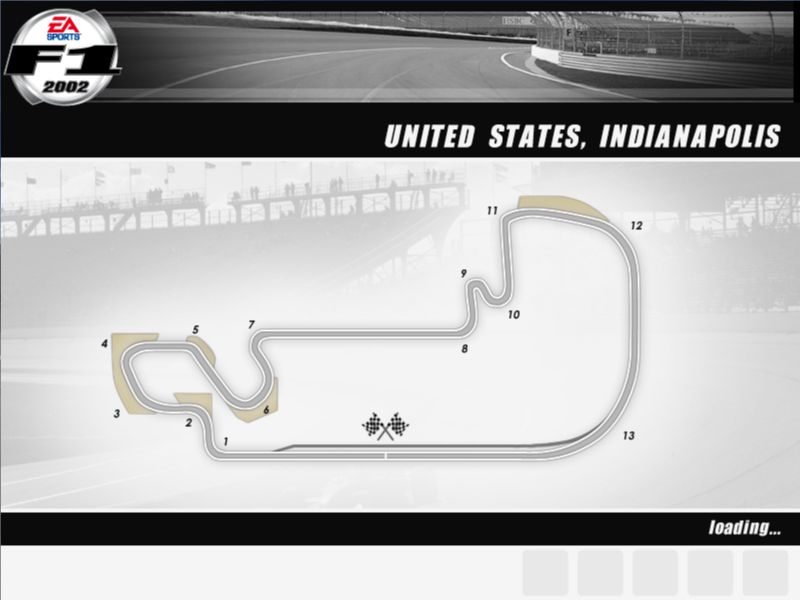
gpu can run lot of games. From Formula games I like F1 2002 most since
it still got old "West" paint schemes for McLaren. Other driving games
I like are Toca 2 and 3, Flatout 1 and 2 and also Armagetron Advanced.
From flight simulators old Microsoft Flight Simulator 2004 still works
great.
|
|||||||||||||||||||||||||||||||||||||
| © 2025 Nokiamies.All rights reserved. Copying, modifying,
or republishing images, text, and all other material is without authors
permission is strictly prohibited.
Nokiamies.net is non-commercial hobby site and has no relation to Nokia corporation or entities. Nokia logo, Nokia brand and all brands and product names are (registered) trademarks of their respective owners. All guides on this site come without any warranty or liability. Any files offered to download from this site are downloaded at your own risk. Nokiamies.net is not responsible for any damage the software, downloads, or guides may cause. |